
01
Home — picture of the day
Today's schedule, fixtures, revenue, payroll, kit and team utilization at a glance.
See screen →Organize staff, clients, schedule, optimization, linen, linen rental, fleet and payroll. No papers, no wasted hours, no unnecessary travel.
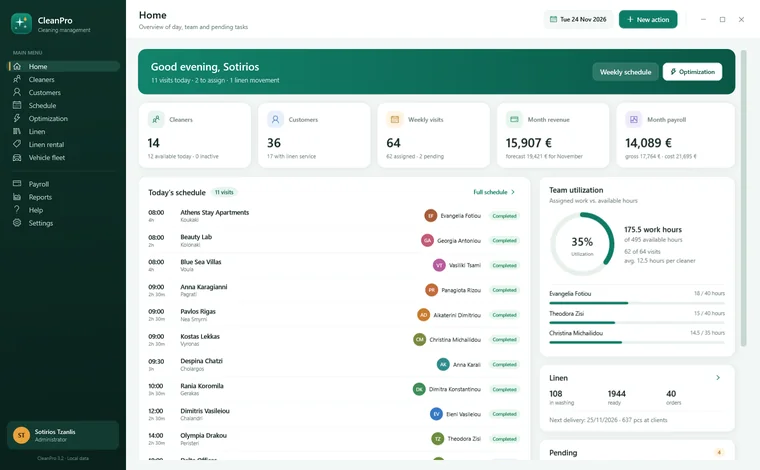
CleanPro covers the entire operation of the business: from the breakfast schedule to payroll and linen rental.
Today's schedule, fixtures, revenue, payroll, kit and team utilization at a glance.
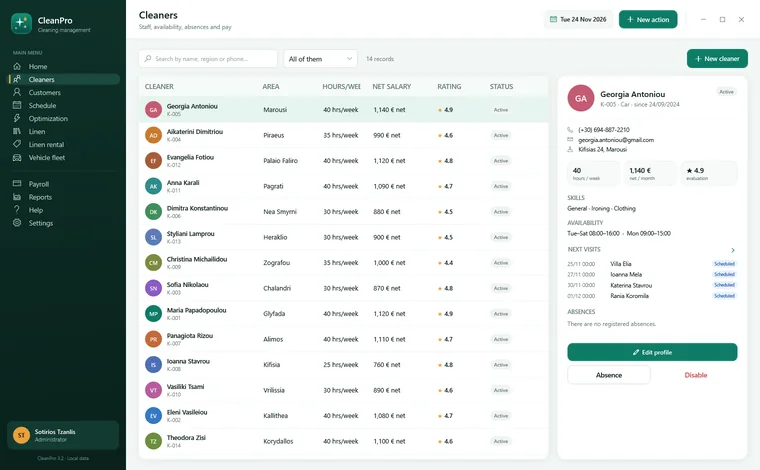
See screen →Profile, availability, absences, skills, contract, net salary and visit history.
See screen →Individuals and businesses, address, access, preports, price, special deals and special linen prices.
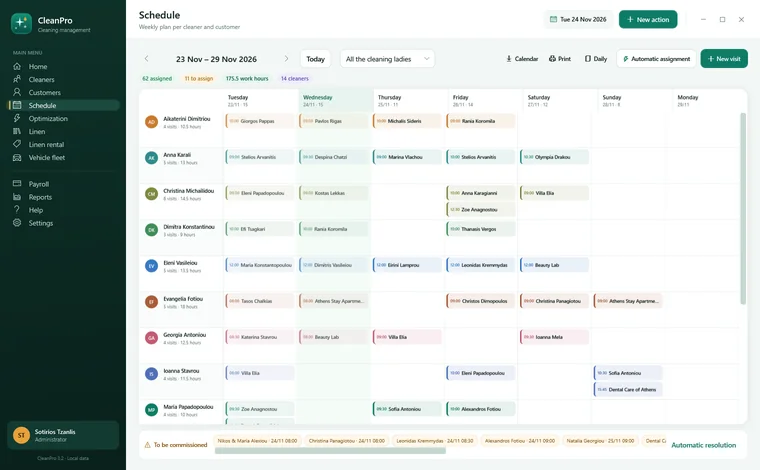
See screen →Weekly view by cleaner, drag changes, conflict control, daily schedule and ICS.
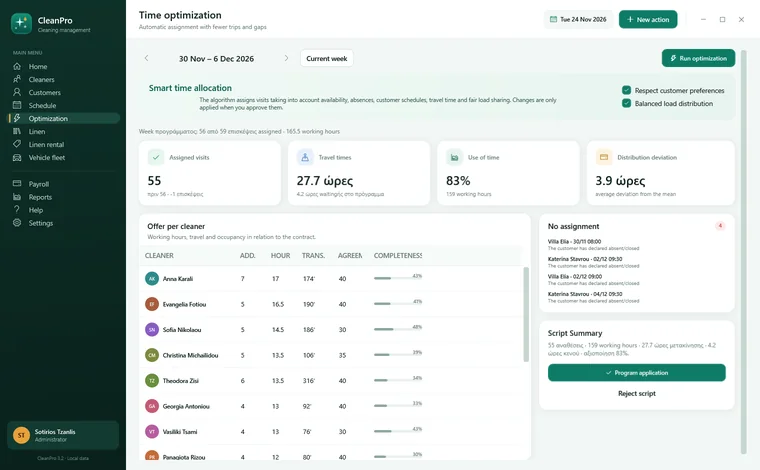
See screen →Automatic assignment with less travel, respecting availability, absences, hours and customer preports.
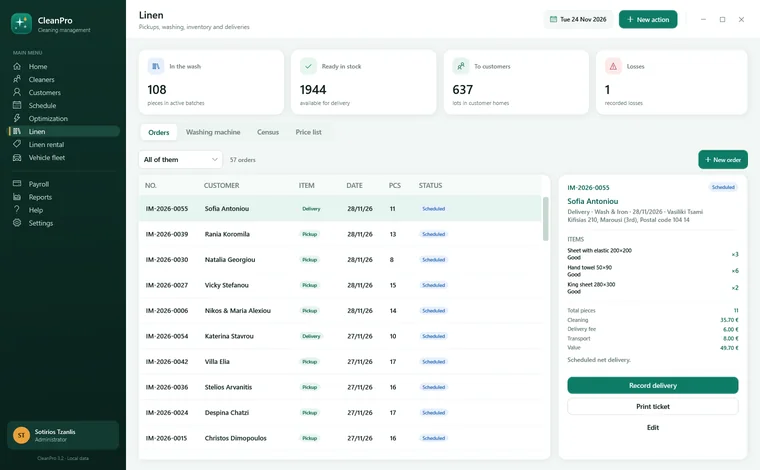
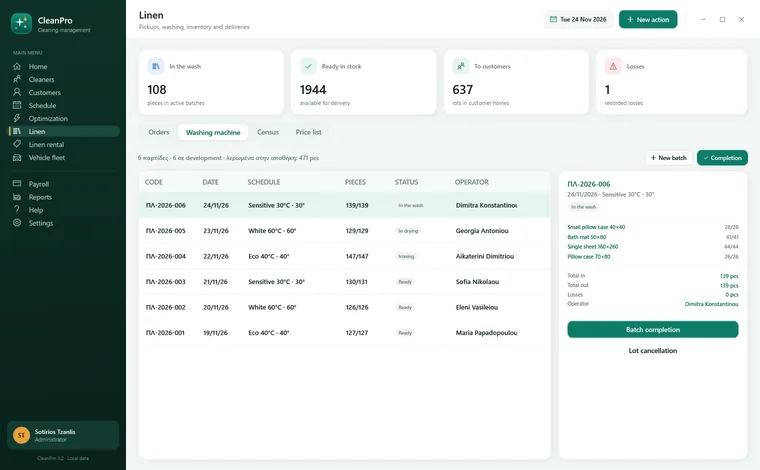
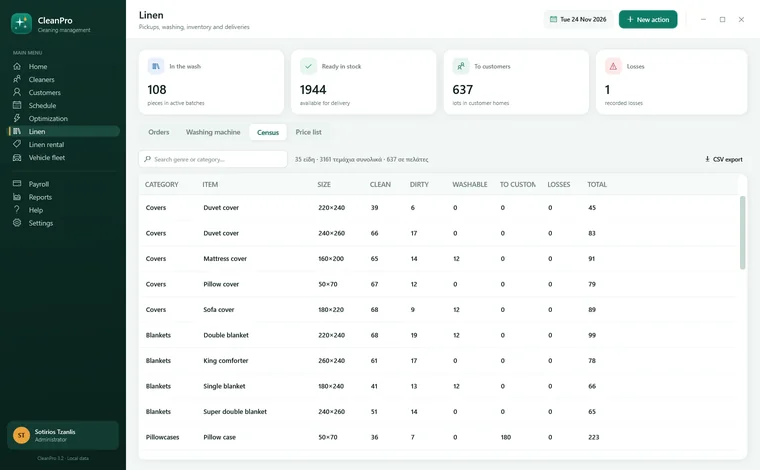
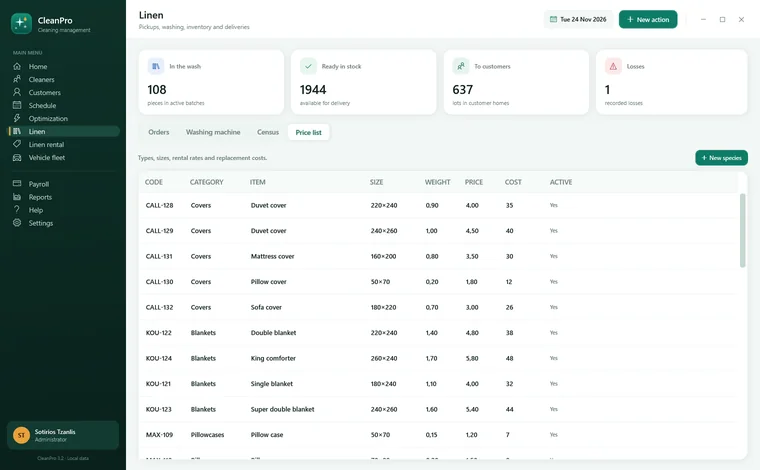
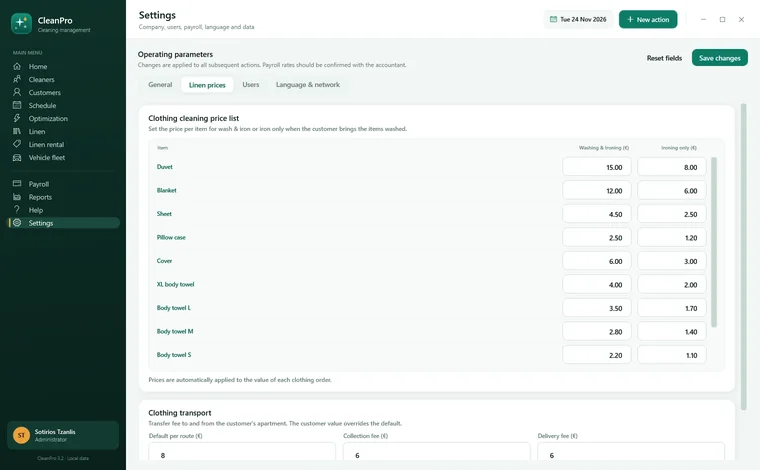
See screen →Pick up/delivery orders, laundry lots, inventory, price list, losses and slips.
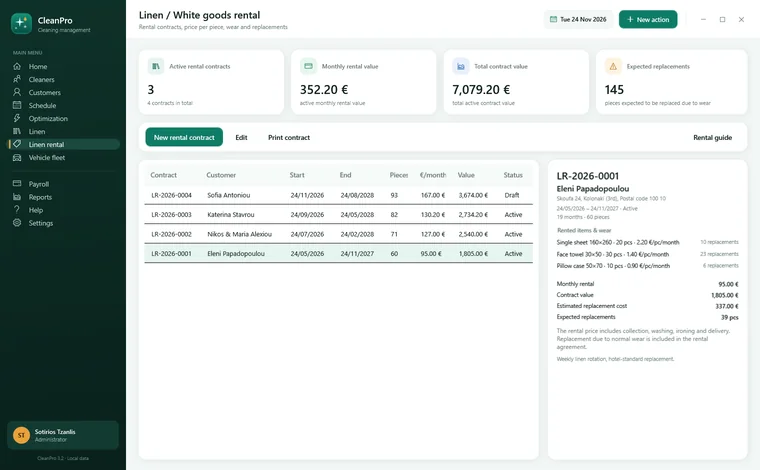
See screen →Rental contracts per customer, price per unit, wear and tear and projected replacements.
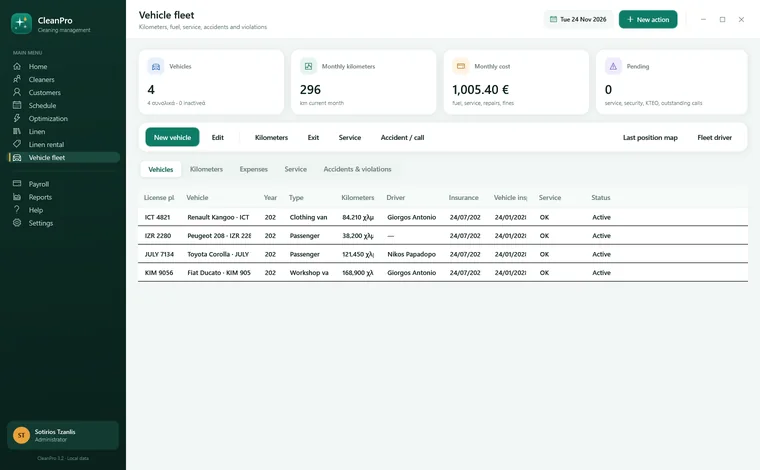
See screen →Kilometers, fuel, expenses, service, spare parts, accidents, calls and driver's seat.
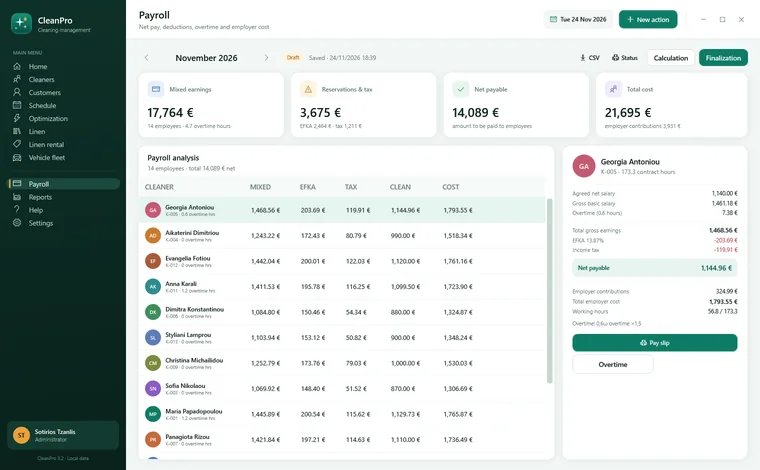
See screen →Net → gross, EFKA, tax, overtime, payslips, finalization and CSV.
See screen →Revenue, visits, hours, utilization, top customers and linen movements for each period.
See screen →AES-256-GCM encrypted local base, Windows DPAPI key, encrypted backups and controlled access.
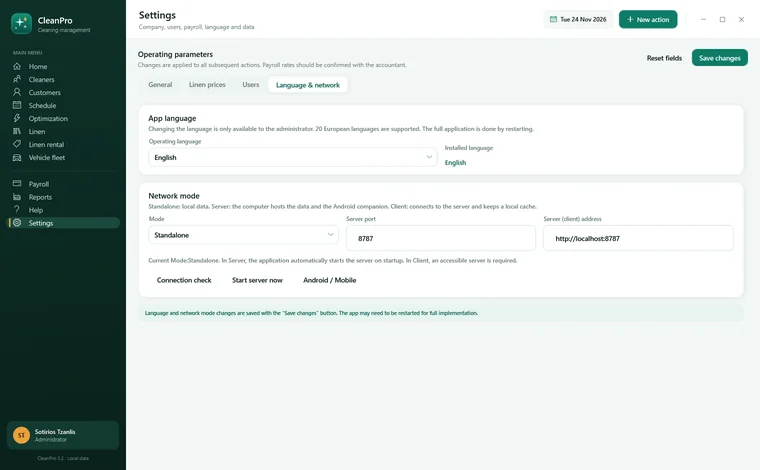
More →Full interface in 20 European languages, with English default and changeable by admin.
See screen →Each section is designed for quick daily use. Click on an image to enlarge.
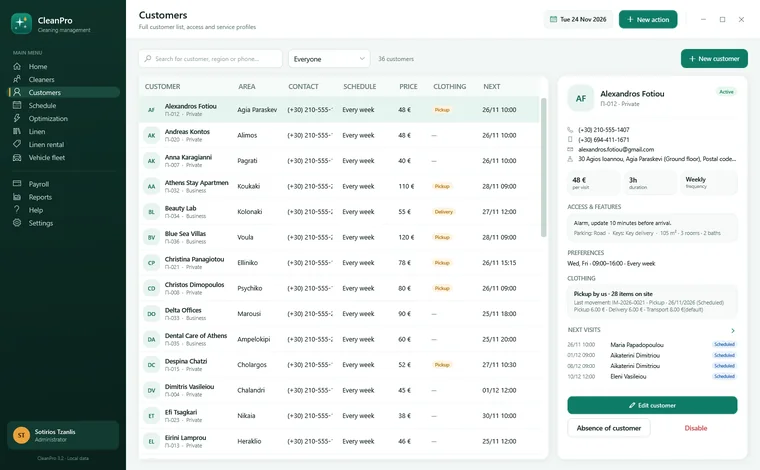
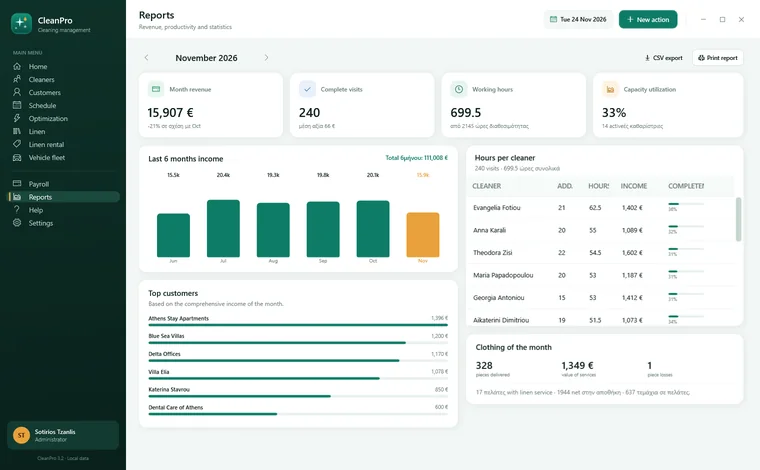
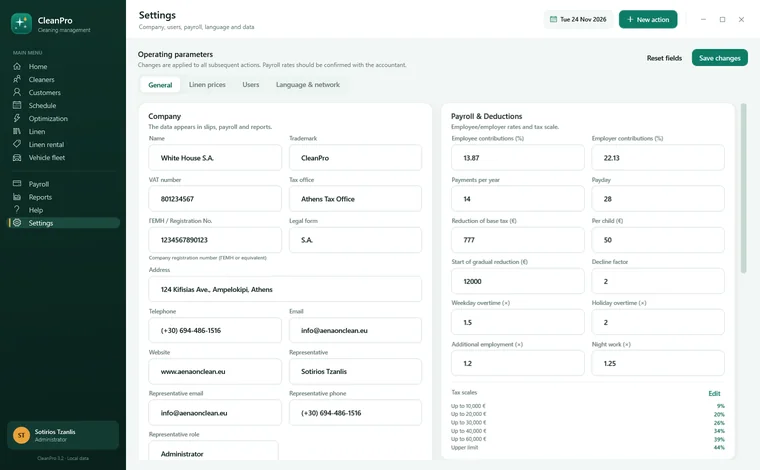
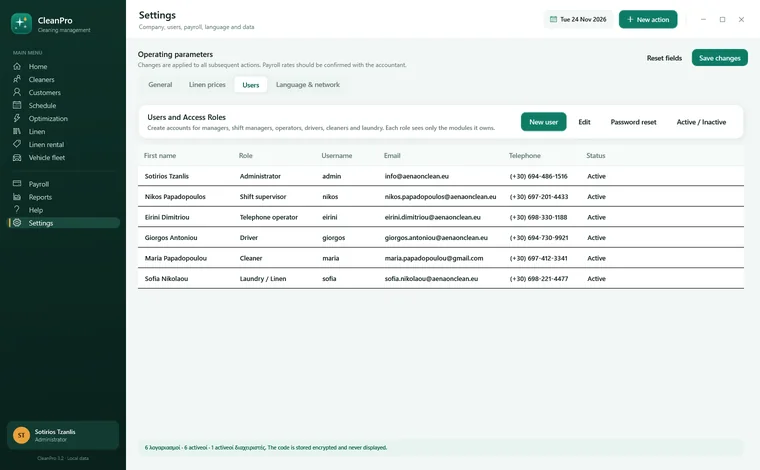
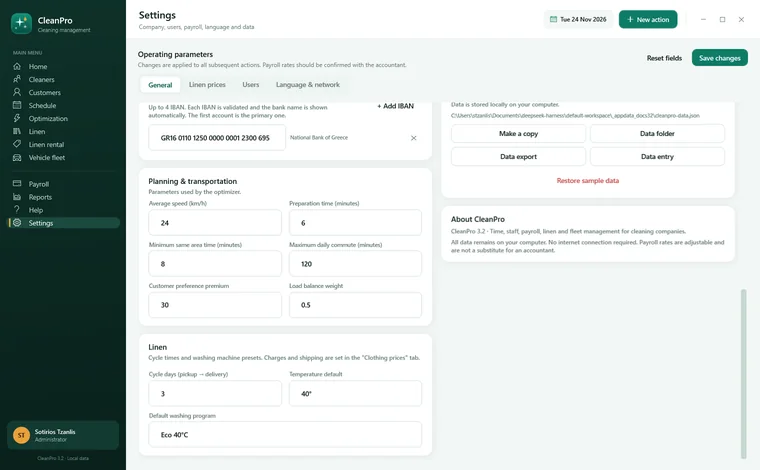
Record address, access, preports, duration, frequency and price. Access notes and special agreements are available across the group.
Optimization takes into account availability, absences, peak hours, regions, commutes and preports. You see the suggestion before you apply it.
Collection, washing, ironing, storage, delivery and rental. With inventory by size and actual cost.
Set price per unit and month, contract length and wear rate. CleanPro calculates monthly value, total value and expected replacements.
The base of the application is locally encrypted. No cloud required and no customer data sent to third parties.
The local database, backups and exports are protected with authenticated encryption.
The key is protected by Windows DPAPI. Another user or file copy cannot open the database.
Permissions and checks are done over HTTPS, with signed and encrypted responses.
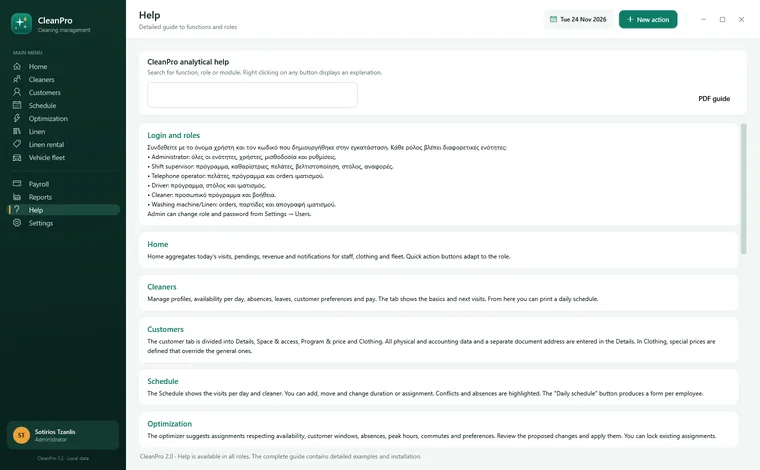
Administrator, shift manager, operator, driver, cleaner, laundress — everyone sees what they need.
Recording of management and license actions, with rate limiting and protection against response tampering.
The application works locally. The license has a 60-day trial and a 15-day offline grace period.
No fixed monthly subscription and no per user fee. The billing allowance is calculated from the monthly turnover resulting from the completed tasks of the application.
Indicative calculation. The final percentage is defined in the contract.
VAT is not included. Billing begins after the first 60 days.
The process is simple and transparent. No card needed to get started.
Installation and full use. No charge, no Active/Suspended check.
The application sends the turnover of the month and the Administration calculates the percentage.
You receive the amount and IBAN details. The payment is recorded in Administration.
With payment the license remains Active. Pending, you will be informed before the suspension.
An installation file. No separate DLLs, JSON or complex settings. Automatic registration and 60 days free.
Suggest any feature you consider essential in CleanPro. We will evaluate it and, if approved, add it to the next upgrade of the program, completely free of charge.
The first 60 days are free. Then, the billing license is a percentage of the monthly turnover resulting from the completed tasks of the application. The percentage is set per customer (default 2%) and is listed in the contract/Administration. There is no charge per user or per computer.
By bank transfer to the IBAN details of AENAON I.C.T. that appear in Administration and in the document. The payment is recorded in the customer's history. No card required during installation.
Not for everyday use. Data stays local. Internet required for automatic registration and license checks; there is a 60-day trial and a 15-day offline grace period after the trial.
On your computer, on an AES-256-GCM encrypted basis with a key protected by Windows DPAPI. They are not uploaded to the cloud and are not sent to third parties. Backups are also encrypted.
Standalone, Server and Client installation are supported. In Server/Client the data is shared on the local network. Licenses and billing are tracked per customer/company.
The installation is automatically declared with a unique installation ID. If re-installation is done, the Administration recognizes the same customer from VAT number, GEMI or company details and transfers charges, payments and trials to the new installation.
Yes. Every new installation has 60 days of full free use. You can try all the modules before the billing starts.